Setup
Simple install
Install LumaForge, point it at your Stable Diffusion WebUI and model folder, and you’re ready to generate.
Guided onboarding
Model folder detection
This site may display AI-generated NSFW imagery. These are fictional images and do not depict real people. By continuing, you confirm you are 18+ and view this content at your own discretion.
Select your operating system to continue to the Gumroad checkout page.
LumaForge gives Stable Diffusion users a clean, focused desktop studio. Keep your models local, connect to SD WebUI, and generate without credits, subscriptions, or graph debugging.
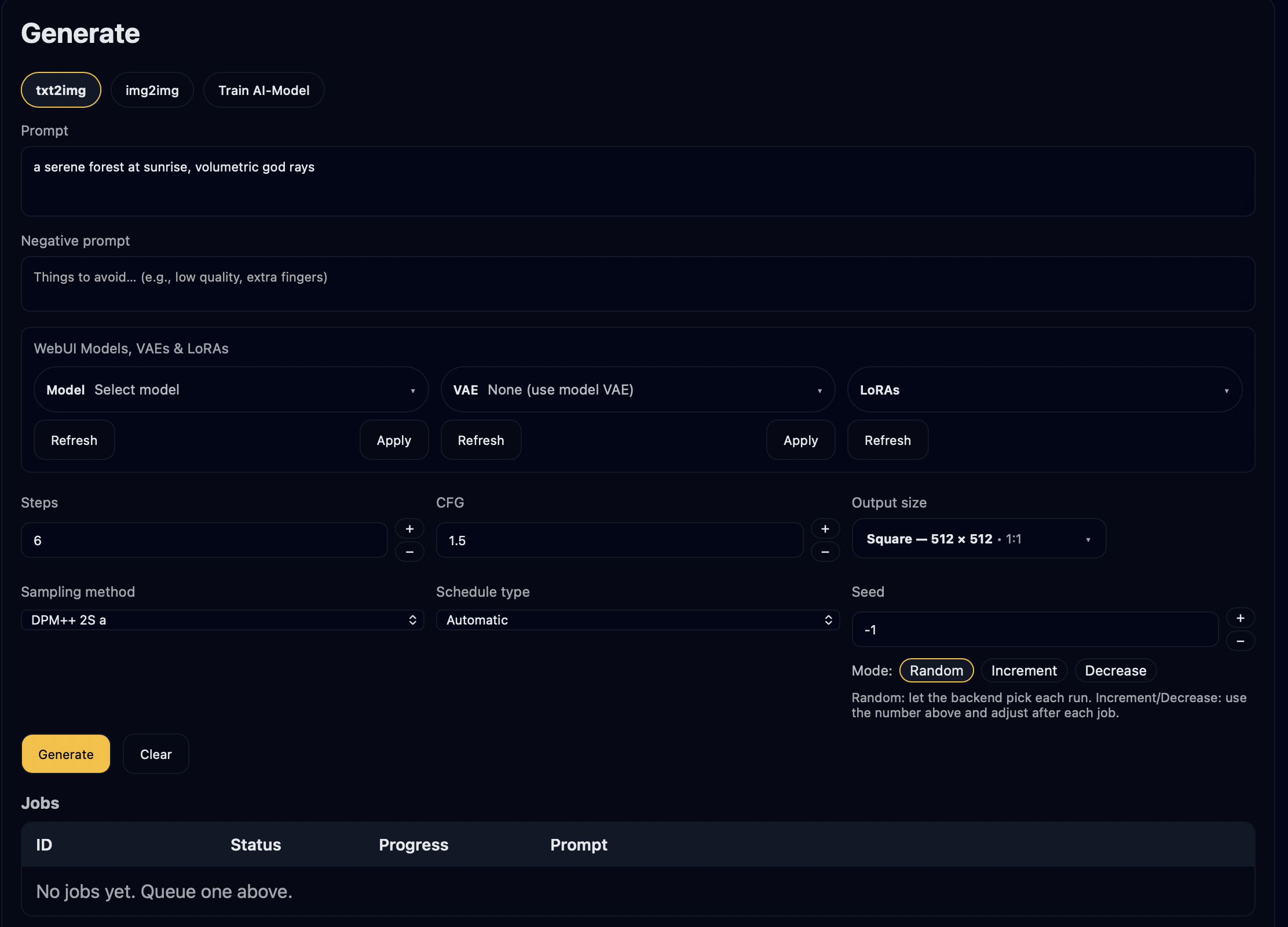
LumaForge keeps the power of local Stable Diffusion while stripping away friction. No node jungles, no YAML files, no Docker dance.
Install LumaForge, point it at your Stable Diffusion WebUI and model folder, and you’re ready to generate.
Clean tabs for prompts, models, and settings. Keep your favorite combos as presets and reuse them fast.
Your prompts, images, and models live on your own machine. Perfect for sensitive client work or NSFW-safe experiments.
Node graphs, browser tabs, and scattered scripts.
Your local image engine, wrapped in a focused desktop studio.
All images below were generated locally via Stable Diffusion with LumaForge as the studio front-end.
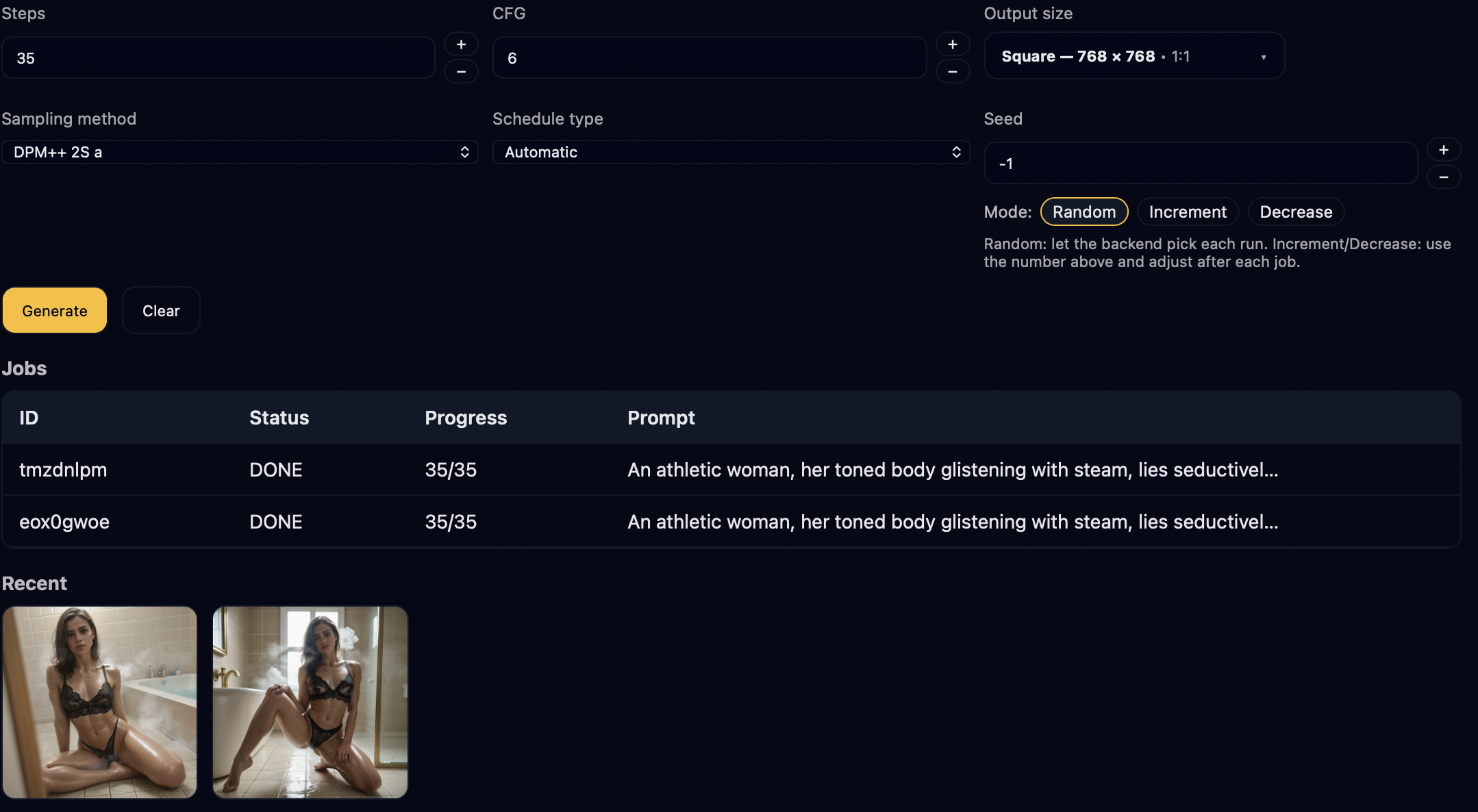

Three simple steps: set up your local image engine, connect LumaForge, and start generating.
Install your preferred Stable Diffusion setup on your machine and keep it running in the background when you use LumaForge. The in-app quickstart guide walks you through recommended settings.
Download LumaForge from Gumroad, install it on macOS or Windows, and
confirm the connection URL to your local image engine (defaults to
http://127.0.0.1:7860). You can change this anytime in Settings.
Point LumaForge at your model folder, choose a model preset, type your prompt, and click Generate. Save your favorite looks as presets and reuse them with one click.
One-time purchase. No subscriptions, no credit packs, no lock-in. You can generate as much as your hardware can handle.
Purchase is handled through Gumroad. After checkout you’ll see your installers in your Gumroad Library and email.
Holiday launch pricing: normally $75, now $55 for a limited time.
Once purchased, your installers and any future updates you include will be accessible through your Gumroad account.